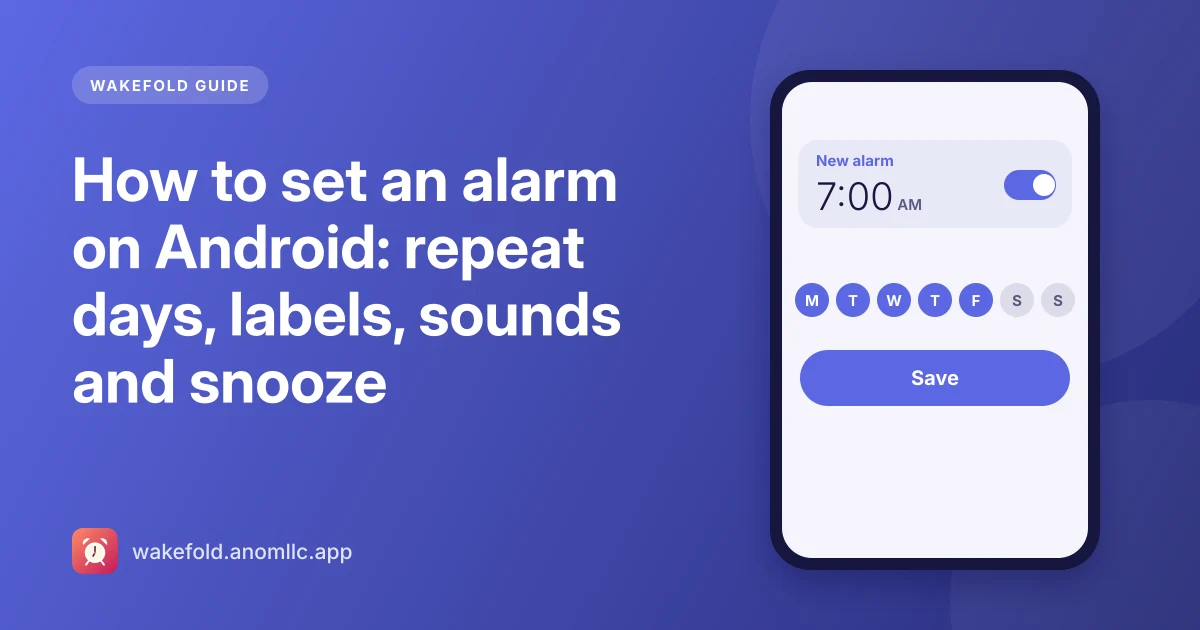
Setting an alarm takes a few seconds, but a few extra choices (repeat days, a label, a gentler sound) make mornings noticeably easier. Here's how to do each in Wakefold, a free alarm clock for Android.
Set a one-time alarm
- Open Wakefold and tap +.
- Set the time on the clock face: tap the hour, then the minutes. On phones that use 12-hour time, choose AM or PM.
- Tap Save. A note tells you how long until it rings, for example "it rings in 7 h 12 min".
A one-time alarm turns itself off after it rings, so it won't surprise you tomorrow.
Make it repeat
Under Repeat, tap the days you want, for example Monday to Friday for work. The summary underneath shows "Weekdays", "Weekends", "Every day" or the days you picked. The week starts on the day your region uses.
A repeating alarm stays on and rings on each chosen day until you switch it off.
Add a label
Type a label such as "Gym", "Medicine" or "Pick up the kids". It shows on the alarm list and on the ringing screen, so you know why the alarm is ringing before you're fully awake.
Choose a sound
Tap Sound to pick one of Wakefold's three sounds (Morning, Rise and Classic beep) and hear a preview, or choose a sound from your phone to use any alarm tone or song you have.
Wake up gently
- Gently louder starts the sound quietly and raises it over half a minute.
- Vibrate can be on or off.
- Snooze length can be 5, 10, 15, 20 or 30 minutes.
Make sure you get up
Turn on the wake-up sum if you tend to switch alarms off half asleep: to turn the alarm off, you solve a short sum like 23 + 48. Snooze still takes one tap. More ideas in how to wake up early.
When it rings
The alarm fills the screen, even over the lock screen, with big Snooze and Dismiss buttons. If the phone is in use, it appears as a notification with the same buttons. If nobody turns it off, it stops after a while (10 minutes by default, set in Settings) and leaves a "missed alarm" note.
Timer and stopwatch
- Timer: type a time on the keypad, or tap 1, 3, 5, 10 or 15 minutes. You can pause, add a minute, or reset. It rings like an alarm when it ends.
- Stopwatch: start, pause, and tap Lap to record splits to the hundredth of a second.
If an alarm ever stays silent, our checklist of settings that silence alarms on Android will find the cause.